Keep meeting tools close.
Capture meetings from your device and follow the compact meeting HUD. Native capture uses the microphone and system permissions you grant on your Mac.
Vesso for Mac
Capture the meeting, ask Vee a question and return to focused work. Native Mac tools keep your workspace close while you move through the day.
Version 0.1.11 · macOS 13+ · Vesso account required
Open the native Vee bar to ask a question, find a meeting, create a task or start a focus session.
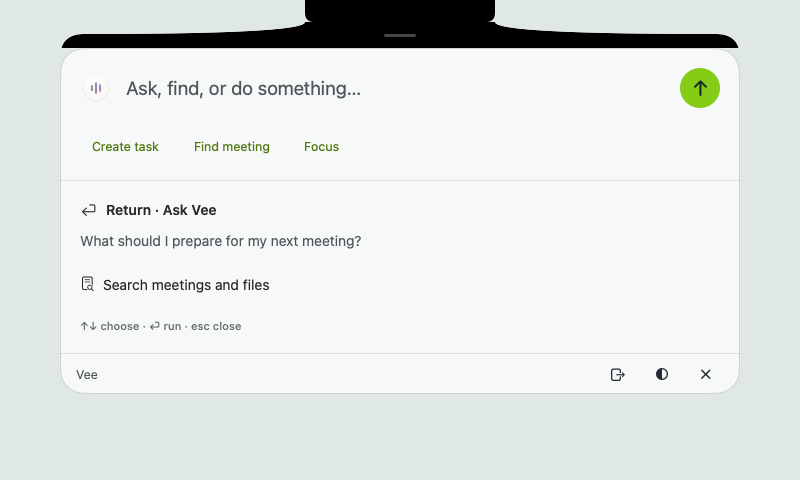
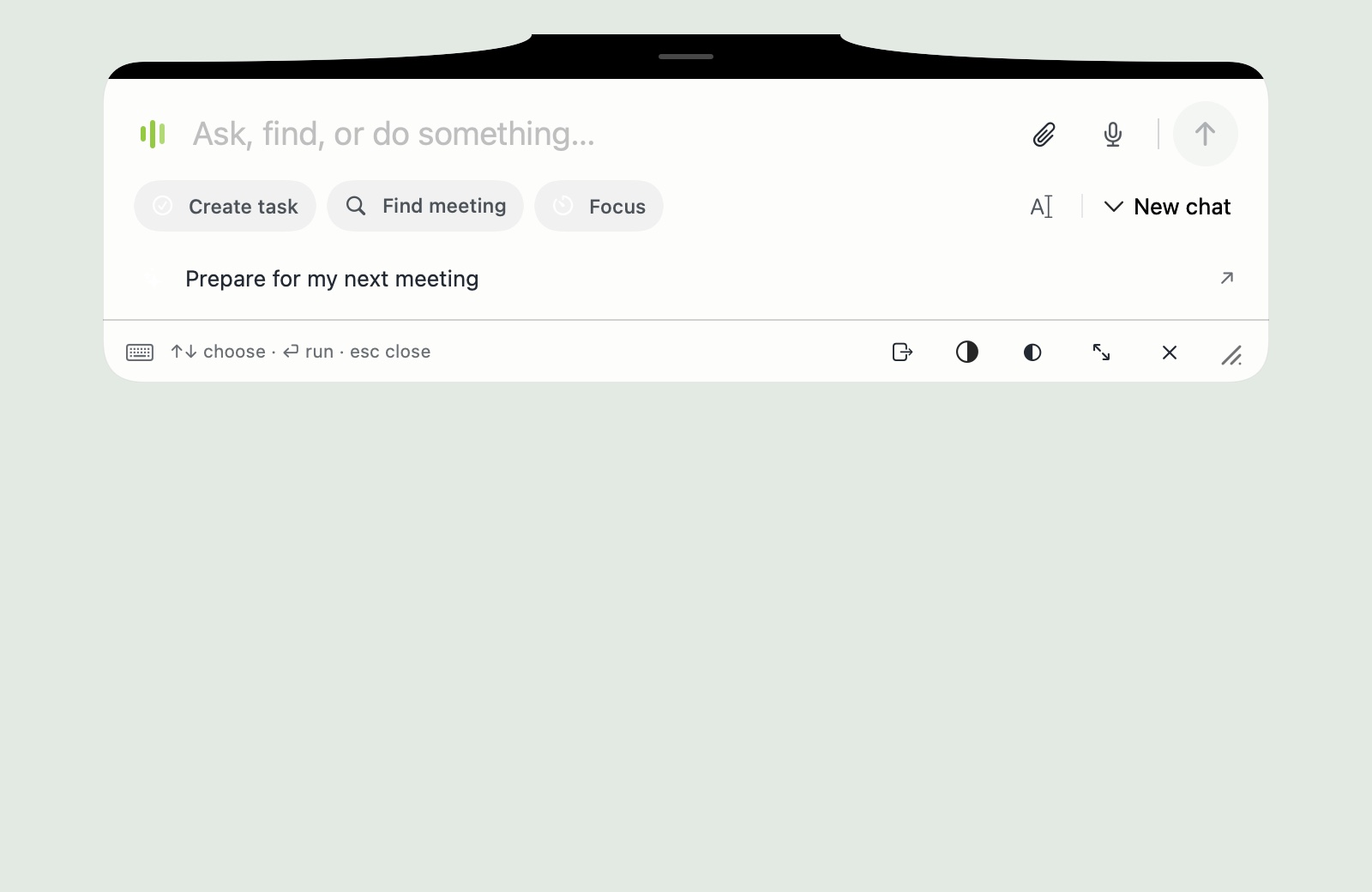
Actual Vesso interface with sample data. Pause the tour to take a closer look.
A compact recording view and a focus panel keep the meeting or current task nearby while you work on your Mac.
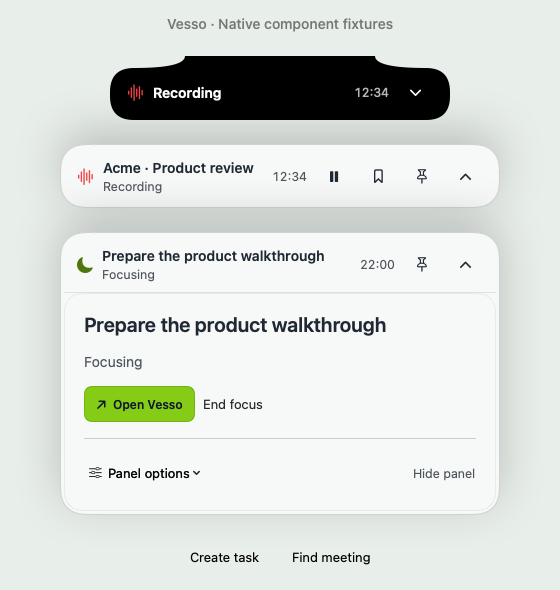
Close to the work on your Mac
Capture meetings from your device and follow the compact meeting HUD. Native capture uses the microphone and system permissions you grant on your Mac.
Open the global Vee bar or search for your work without first finding a browser tab. Continue in the embedded workspace when you need the full view.
Bring tasks, focus sessions, notifications and the dialer into the Mac experience. Use the same account to get to the workspace your team already knows.
Requires macOS 13 or later and a Vesso account. Runs on Apple silicon and Intel Macs. Capture requires the relevant macOS permissions; some tools also depend on your workspace role.
Open Mac setupA few details
Download it from this page, open the disk image and drag Vesso to Applications. Then sign in with your Vesso account. The Mac setup page in your workspace has the same download and shows your connected Macs.
Vesso for Mac checks for new versions and offers to install them, so you do not need to download it again.
Vesso for Mac requires macOS 13 or later. Device capture also requires the relevant microphone and system permissions.
It connects to your Vesso account and includes access to the web workspace, alongside native meeting and desktop tools.
Use your Vesso account on Mac for meeting capture, quick questions and the work already on your plate.
Free for 7 days · No credit card required