Catch up with the evidence.
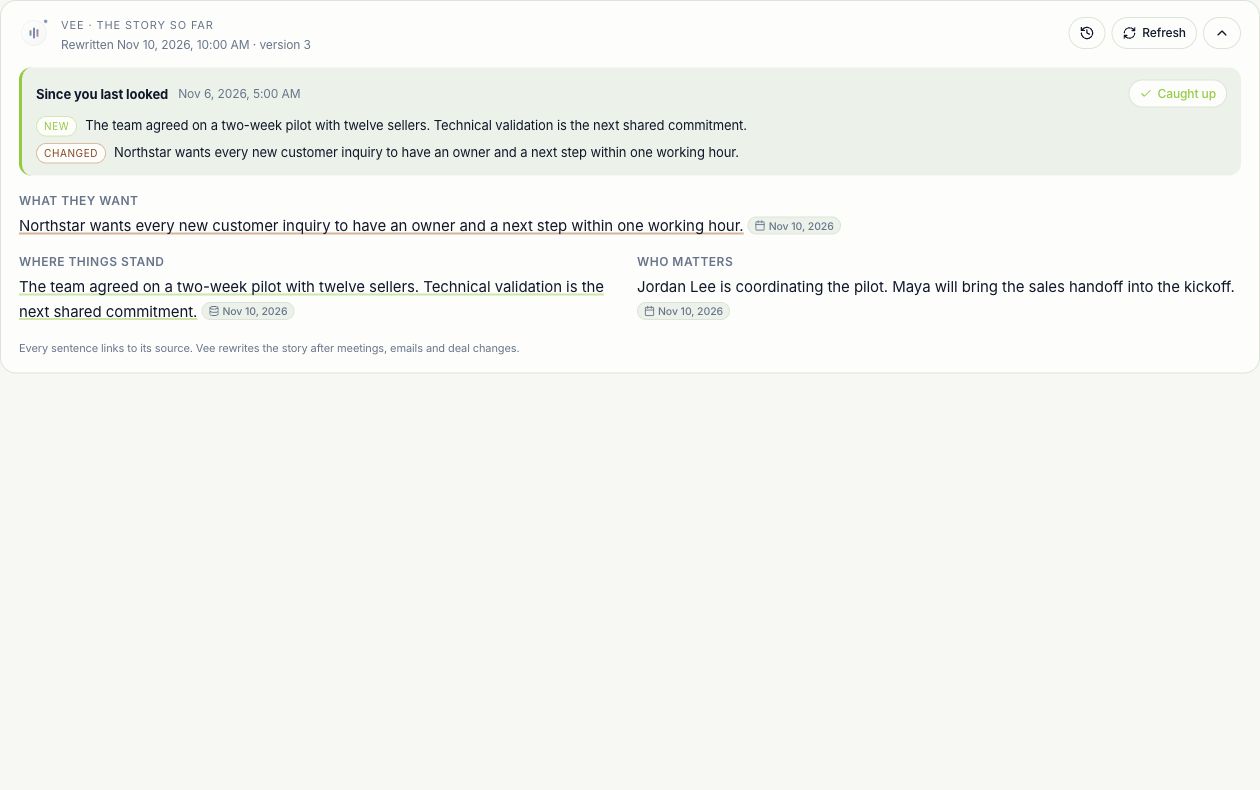
The story so far brings meetings, emails, notes, promises and CRM context into a cited account or deal narrative. See what is new, changed or no longer true since your last read.
Deal Intelligence
Read the evidence behind the deal, rehearse the next conversation, give buyers a scoped assistant, and revisit the moments that mattered.
Free for 7 days · No credit card required
Read the saved story of the relationship, follow its sources and see what is new since your last visit.
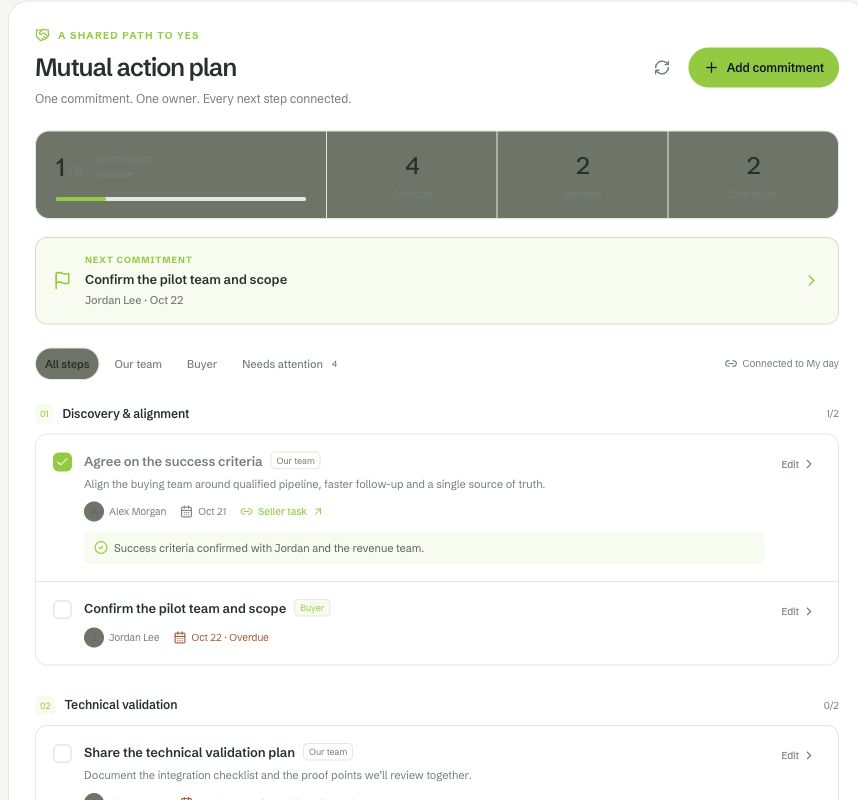
Put an owner and a date against each commitment. See which steps depend on the buyer and which tasks your team needs to move forward.
Know the story. Be ready for what comes next.
Before the call, inside the buyer room, and after the meeting ends.
The story so far brings meetings, emails, notes, promises and CRM context into a cited account or deal narrative. See what is new, changed or no longer true since your last read.
Rehearsal builds a practice persona from available CRM context, prep briefs, research and past calls. Inspect the evidence behind its traits and the goals you will practice against.
Game Film joins the recording with timestamped moments, available commentary and a highlight reel. After a rehearsed meeting, compare the practice with the real conversation when both have been processed.
Control stays close
Help the buyer work through your proposal using only the material you selected for their room.
Explore trust and securityUse room documents, selected published knowledge articles and approved sales content. The buyer assistant does not receive your private account notes or general CRM context.
Answers link to allowed sources. Questions the material cannot answer are handed back to the team, with a reply draft for review.
Buyer questions appear as room activity and account signals. Configure identity capture and review the room experience before sharing it.
Before you begin
Stories and Rehearsal depend on enabled services, available evidence, access and AI credits. Game Film requires an accessible recording; commentary and moments depend on the processed sources. Buyer Vee must be enabled and configured for the individual deal room.
Open the setup guideMake it work for you
Practical steps, exact controls, and answers when something needs attention.
Inspect cited claims, changes, stale evidence and version history on accounts and deals.
Read the guideBuild an evidence-cited persona, practice meeting goals and compare rehearsal with the real call.
Read the guideReplay timestamped moments, play highlights and compare reps within your coaching scope.
Read the guideChoose a shared caption language for live conversations across web and Mac.
Read the guideA few useful details
No. Citations connect a claim to recorded evidence so you can check it. AI can misread a source, and evidence can age. Inspect source dates, last-confirmed labels and unavailable-source notices before relying on a conclusion.
Opening the page reads the saved story. Use Write the story or Refresh to generate explicitly; supported activity can also queue updates. The displayed version and update time tell you what you are reading.
It is evidence-grounded practice, not a prediction. Review the persona’s citations and gaps, then use the practice to improve your questions and responses.
No. Game Film follows recording access. Rep comparisons are bounded by the viewer’s coaching hierarchy, and private meetings are excluded from those comparisons.
Put your context to work
Bring a real customer, a recurring task, or a conversation worth remembering.
Free for 7 days · No credit card required