Make the work easy to pick up.
Give projects a clear set of tasks, owners and dates. Keep account-related work connected to the customer, and personal priorities in My Day.
Projects & collaboration
Give decisions a home and next steps an owner. Keep projects, documents, feedback and tasks connected, then make room for your own priorities in My Day.
Free for 7 days · No credit card required
Write the shared brief, discuss individual sections and keep decisions in context. Everyone can return to the same plan.
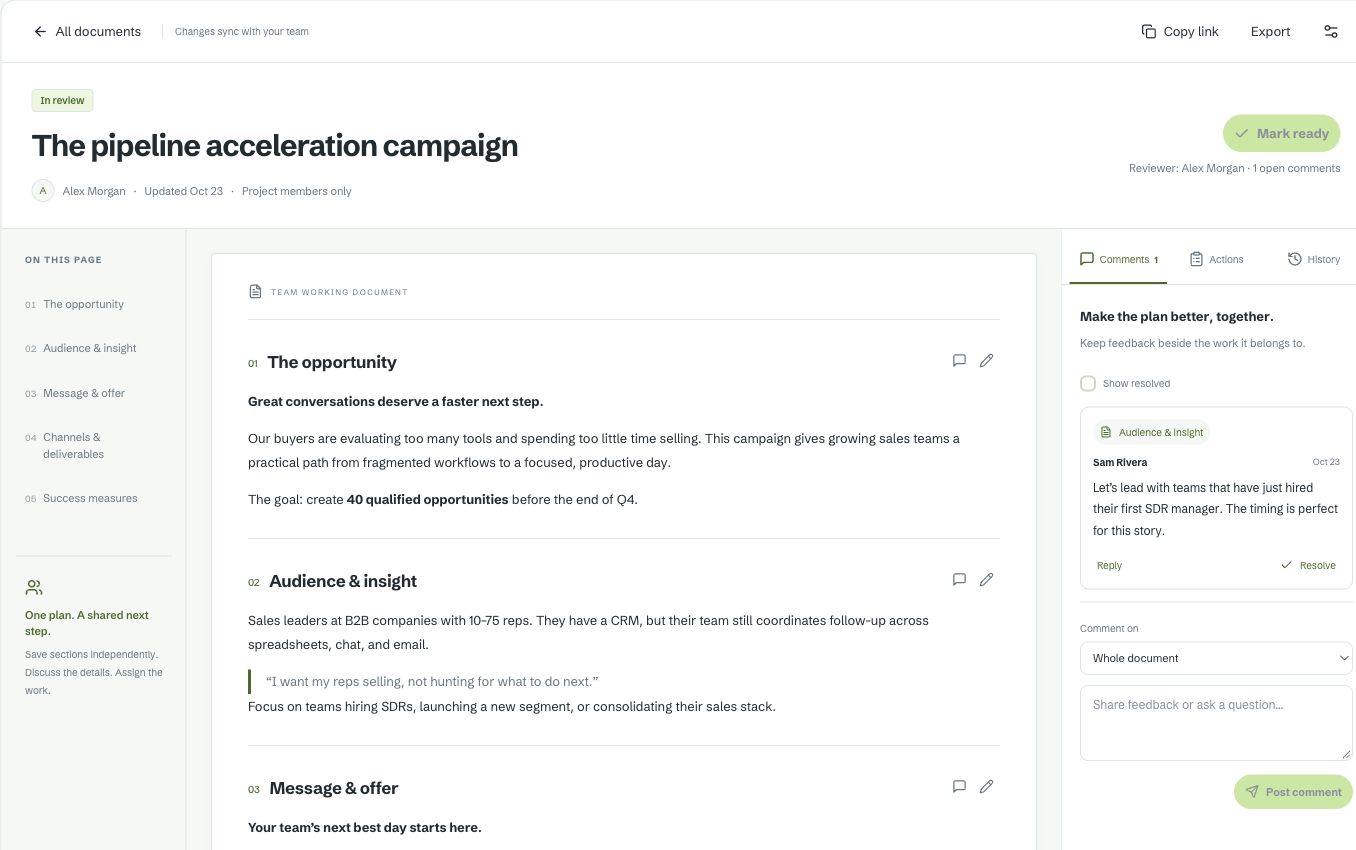
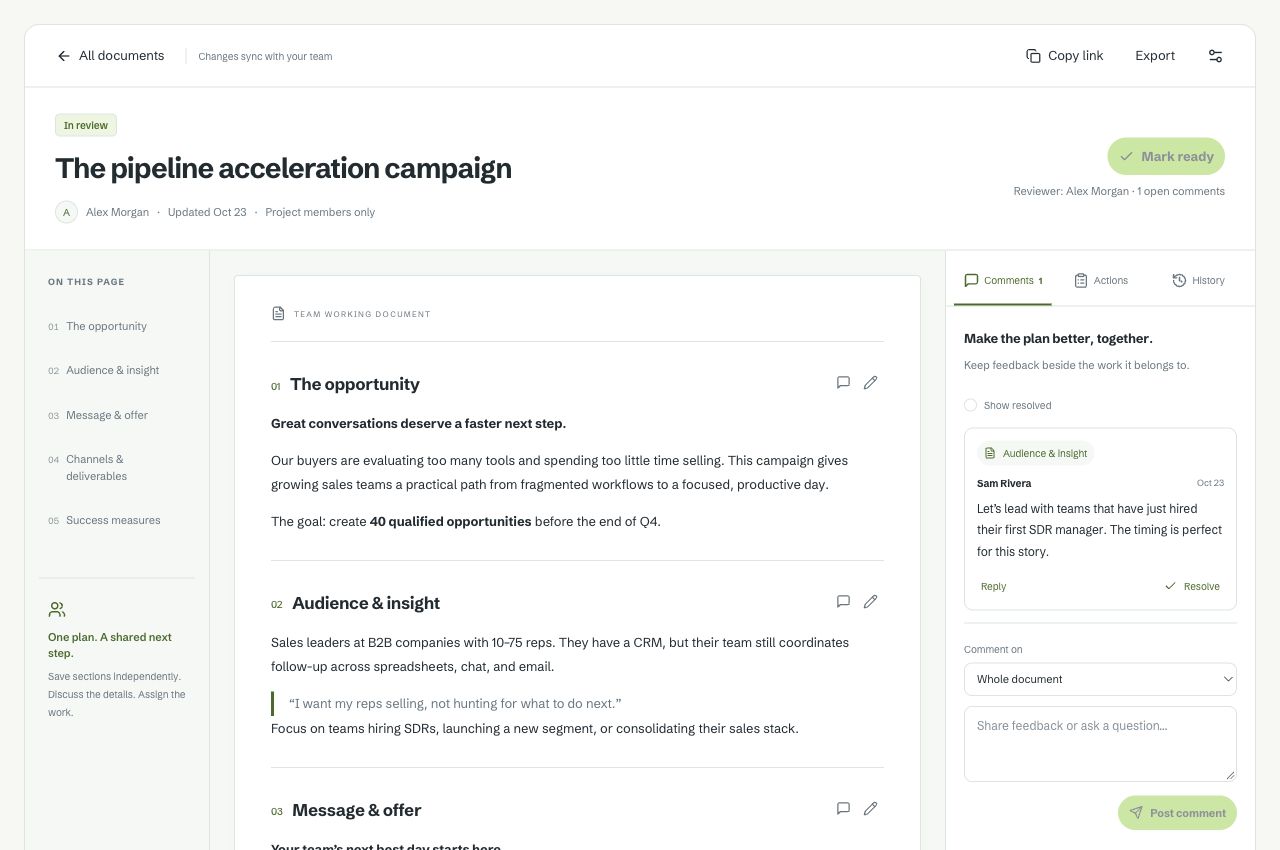
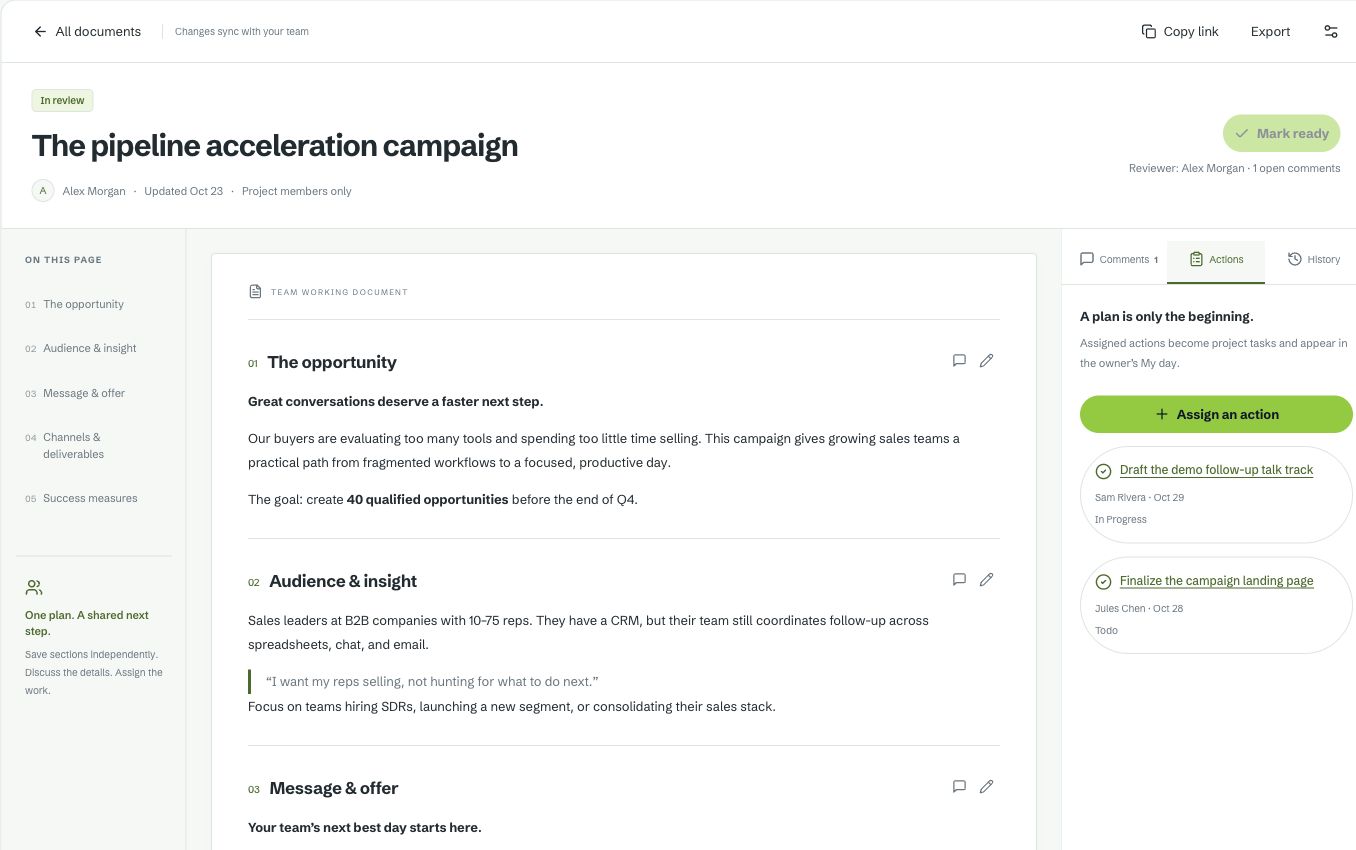
Actual Vesso interface with sample data. Pause the tour to take a closer look.
Assigned document actions become project tasks and appear in the owner’s My Day. Keep the work connected to the plan that created it.
The work between meetings
Give projects a clear set of tasks, owners and dates. Keep account-related work connected to the customer, and personal priorities in My Day.
Work in document sections, leave comments, review revisions and consult history. Turn action items into tasks your team can track.
Use My Day to review your owned work, hear a spoken walkthrough and preview a focus schedule. Confirm the plan to put focus blocks on your Vesso calendar.
Document editing works by section, with review and history. Focus scheduling writes to your Vesso calendar after confirmation. Page access is managed separately from workspace modes.
Compare plans and limitsA few details
Yes. Documents have sections, comments, review and history. Editing is section-based, rather than simultaneous character-by-character co-editing.
The focus planner previews a schedule and creates blocks on the Vesso calendar when you confirm. It does not promise to rearrange Google or Microsoft calendars.
Business workspace modes change the home experience and navigation order. Each person can personalize their navigation, while administrators manage page access separately.
Bring a project, write the shared plan and assign the first next step.
Free for 7 days · No credit card required