Give the team a clear brief.
Set goals, shape the campaign and assign the work. Connect briefs and tasks to the people responsible for delivery.
Campaigns
Give the team a shared brief, move creative through review and connect responses to sales handoffs. See the work behind the launch and the pipeline connected to it.
Free for 7 days · No credit card required
Keep the brief, audience, owner and launch progress together. See the tasks and sales handoffs that need attention.
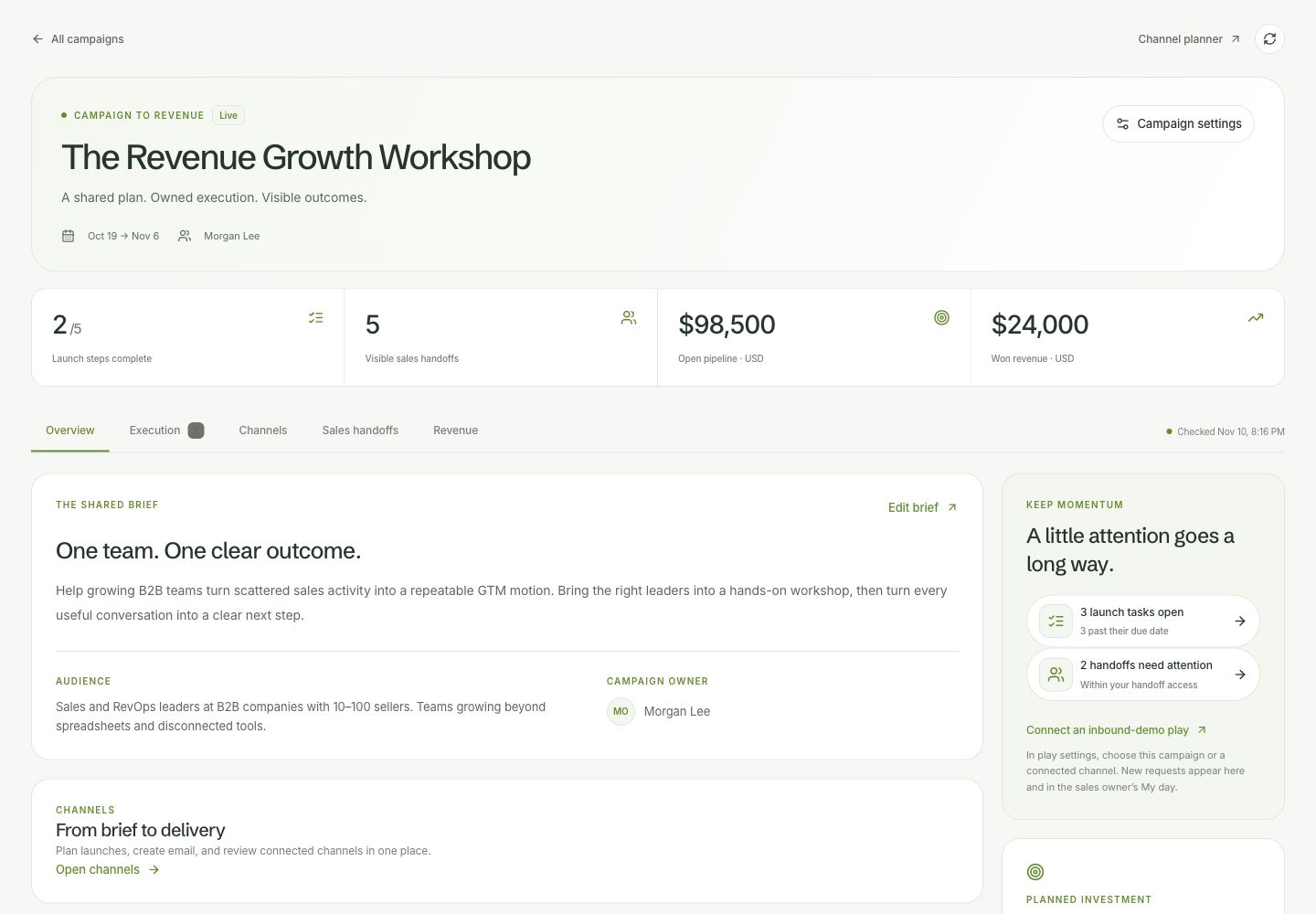
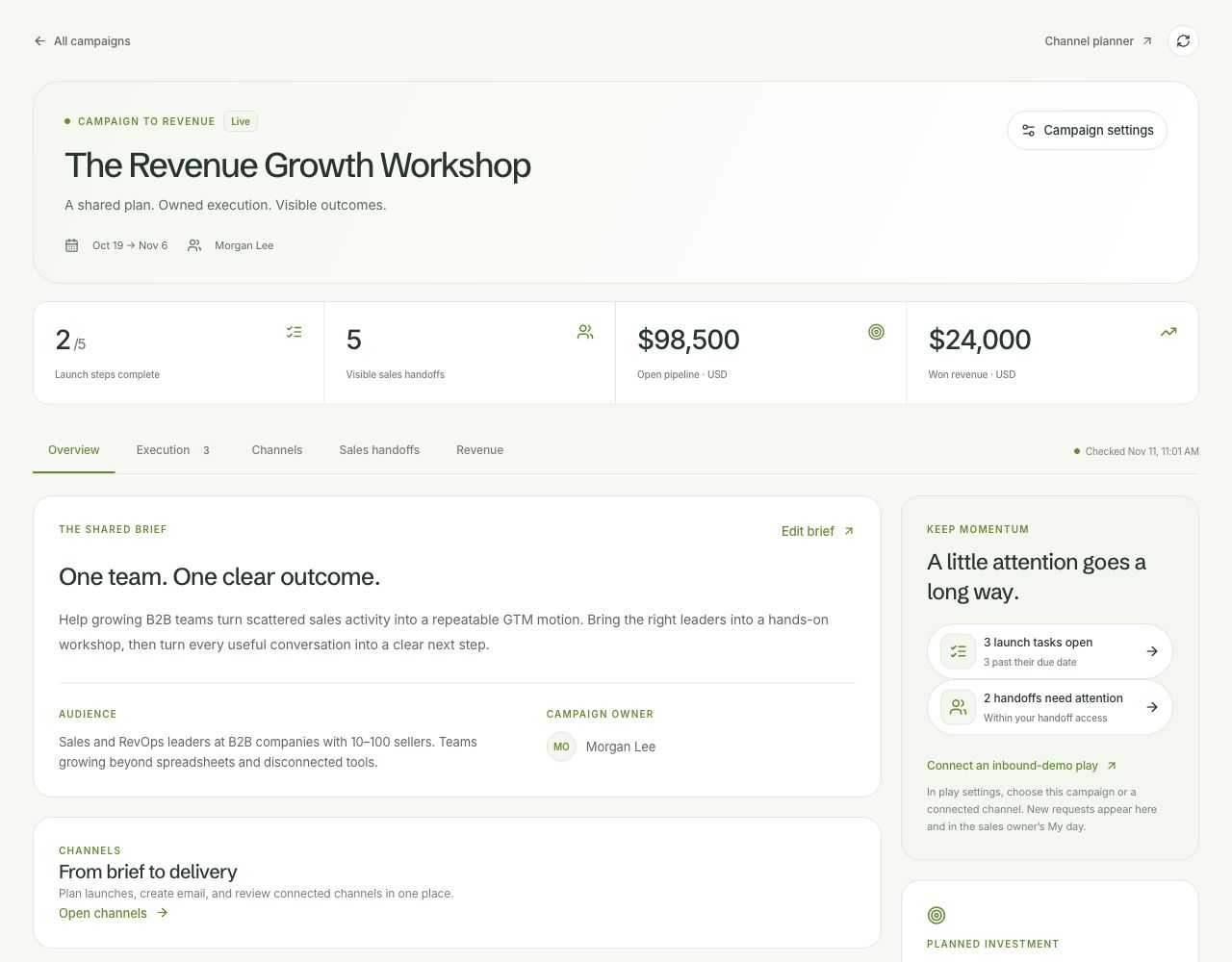
Actual Vesso interface with sample data. Pause the tour to take a closer look.
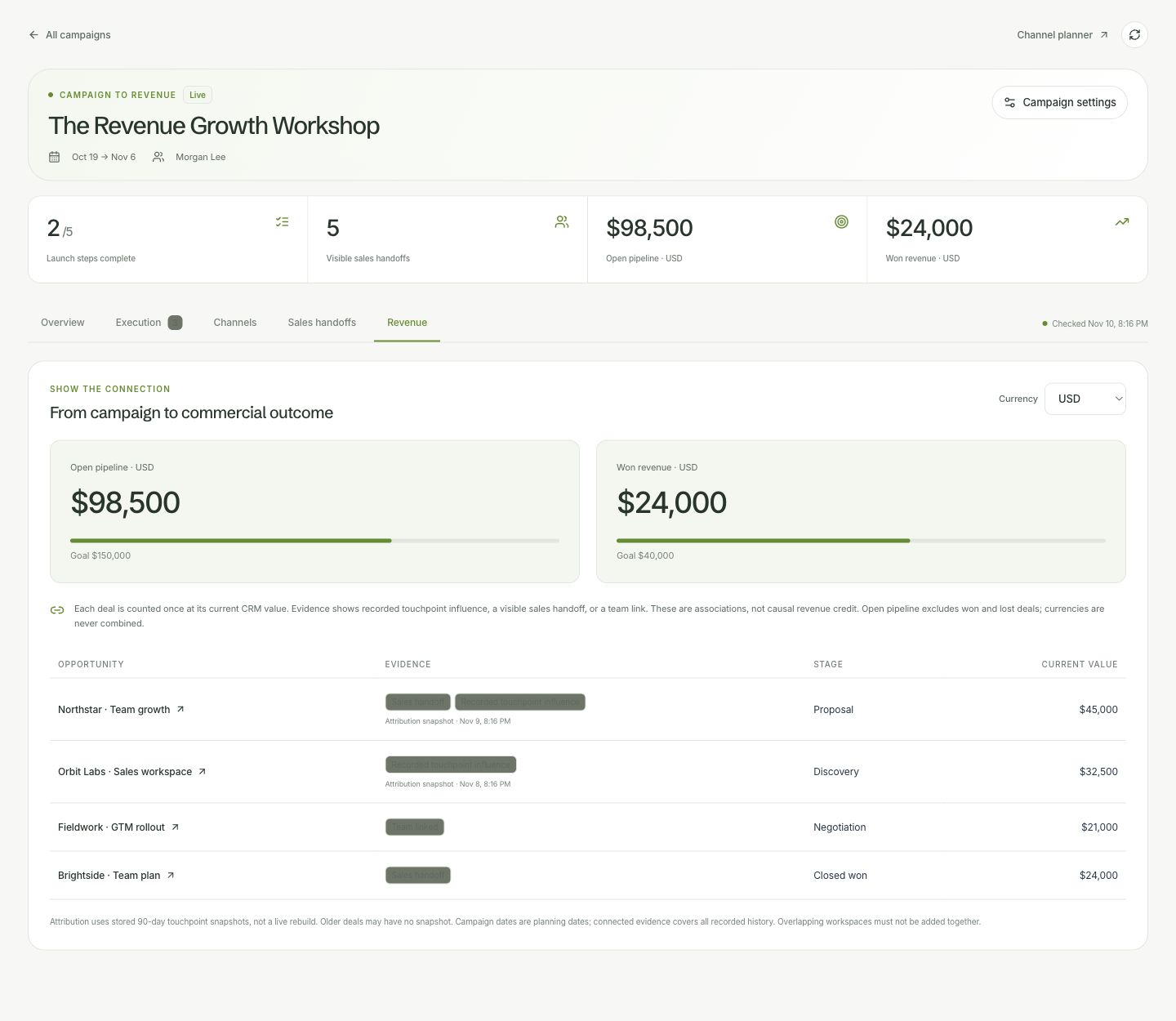
Review connected pipeline and won revenue, then inspect the handoff or touchpoint behind each deal. Keep the evidence close to your next investment decision.
From brief to results
Set goals, shape the campaign and assign the work. Connect briefs and tasks to the people responsible for delivery.
Build in Email Studio, keep published versions and request approval. Prepare experiments without losing track of which creative is ready to use.
Review campaign performance and attribution alongside your CRM. Use forms, workflow handoffs and follow-up tasks to connect a response to the next piece of work.
Campaign automation is included on every business plan. Sending requires the relevant email connection and configuration.
Compare plans and limitsA few details
Email Studio supports versions, publications and approval work, so the team can review creative before using it in a campaign.
Email Studio includes A/B experiments. Configure the variants and review the results for the experiment you run.
Campaign briefs, goals and tasks live in the workspace with customer data, email creative and handoffs.
Start with a brief. Give the work owners, review the creative and follow the customer response.
Free for 7 days · No credit card required